Parents own every connection
A child cannot invite friends, approve members, create groups, or change permissions. Parent Mode is the only place those decisions happen.
Voice-first communication for kids
A parent-supervised push-to-talk app where children send voice clips only to people and groups their parents approve.
Made for real families
Walki Kidalki keeps the child experience light and friendly while the backend checks the serious parts: family trust, child permissions, active sessions, enabled devices, schedules, group membership, and revocations.
Parent control
Walki Kidalki treats parent ownership as the product, not an afterthought. Children get a friendly voice experience while parents control people, groups, schedules, devices, and revocation.
A child cannot invite friends, approve members, create groups, or change permissions. Parent Mode is the only place those decisions happen.
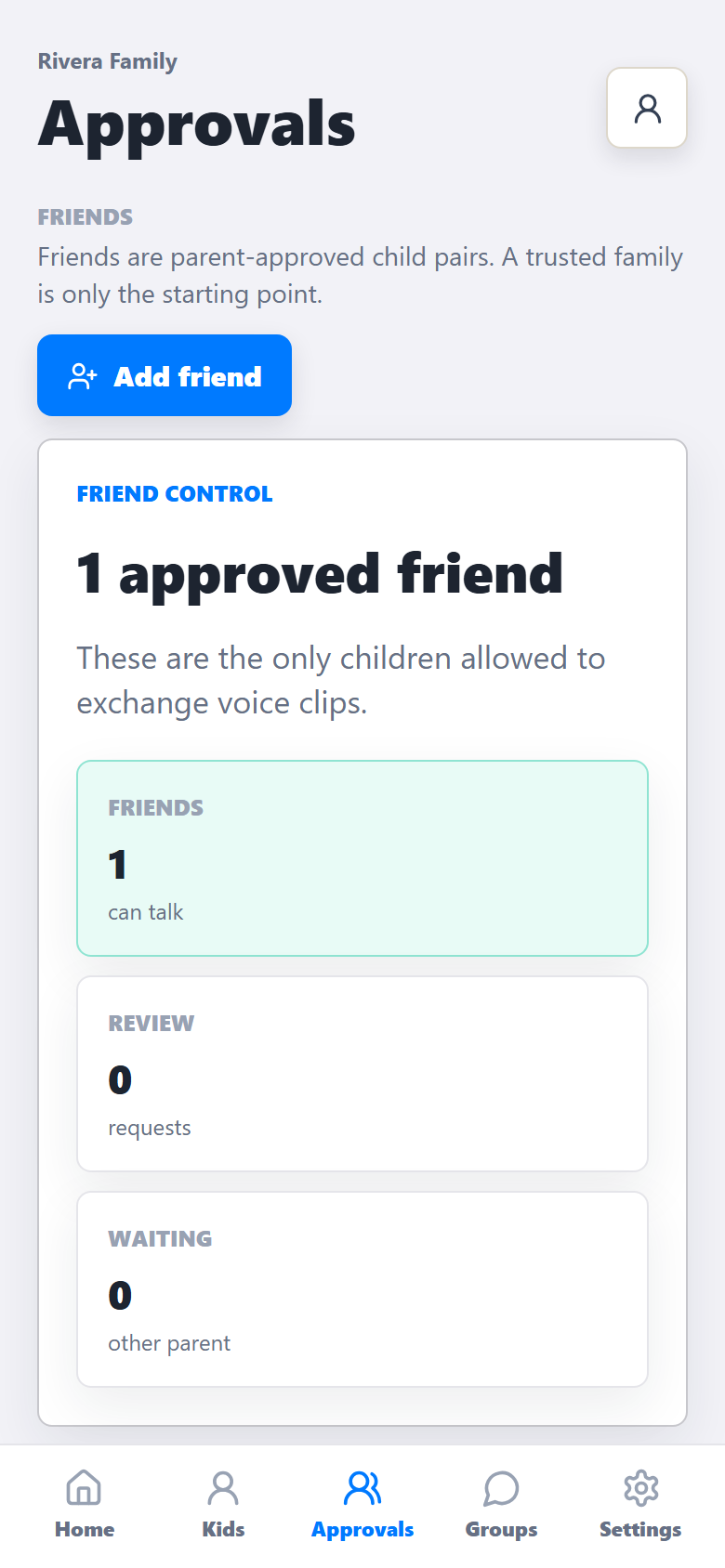
Family-to-family trust only opens the door for parents to review. Each child-to-child path still needs explicit approval.
Communication can be limited by time windows, active child state, kid sessions, and enabled devices.
Kid experience
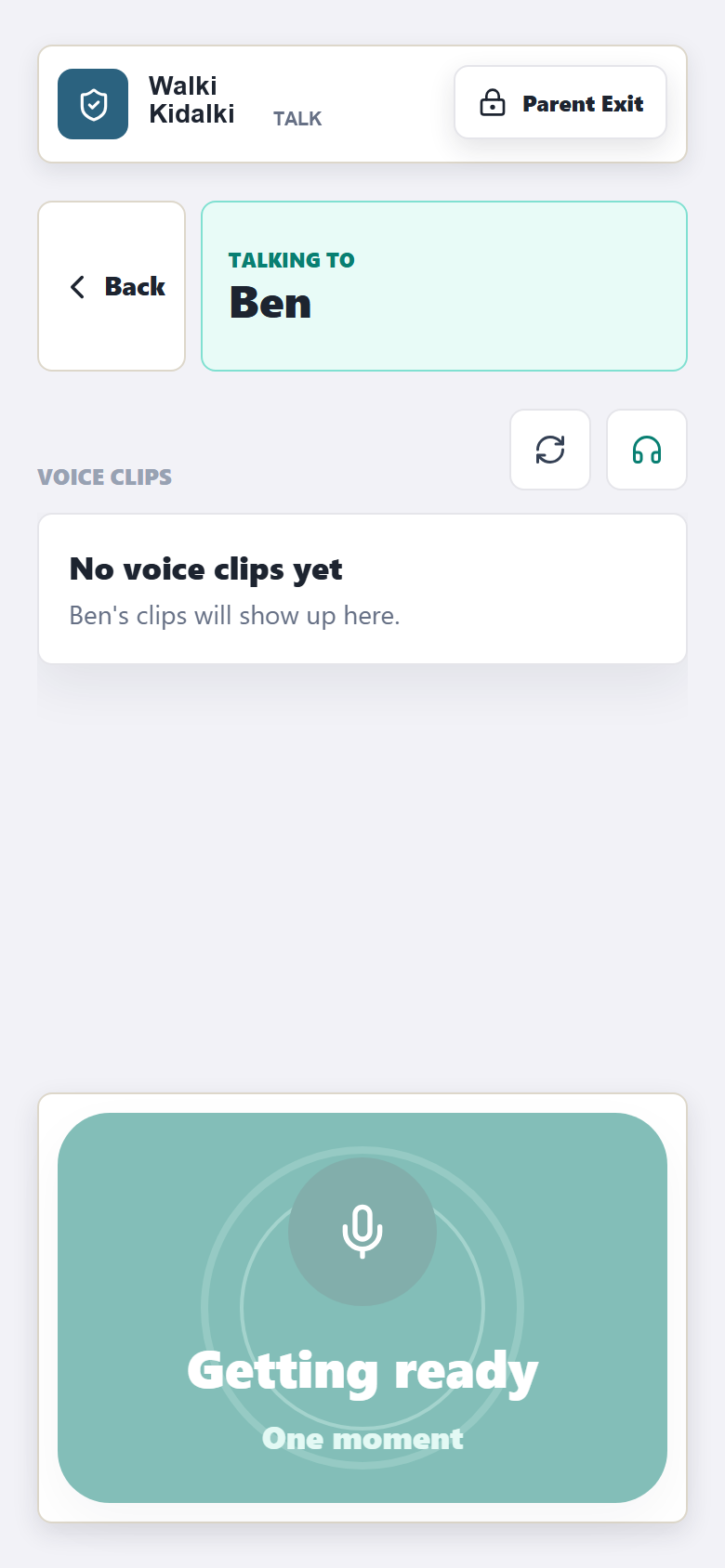
The MVP communication unit is a voice clip. No open chat lists, no child-managed invites, and no live streaming unless the product intentionally expands later.
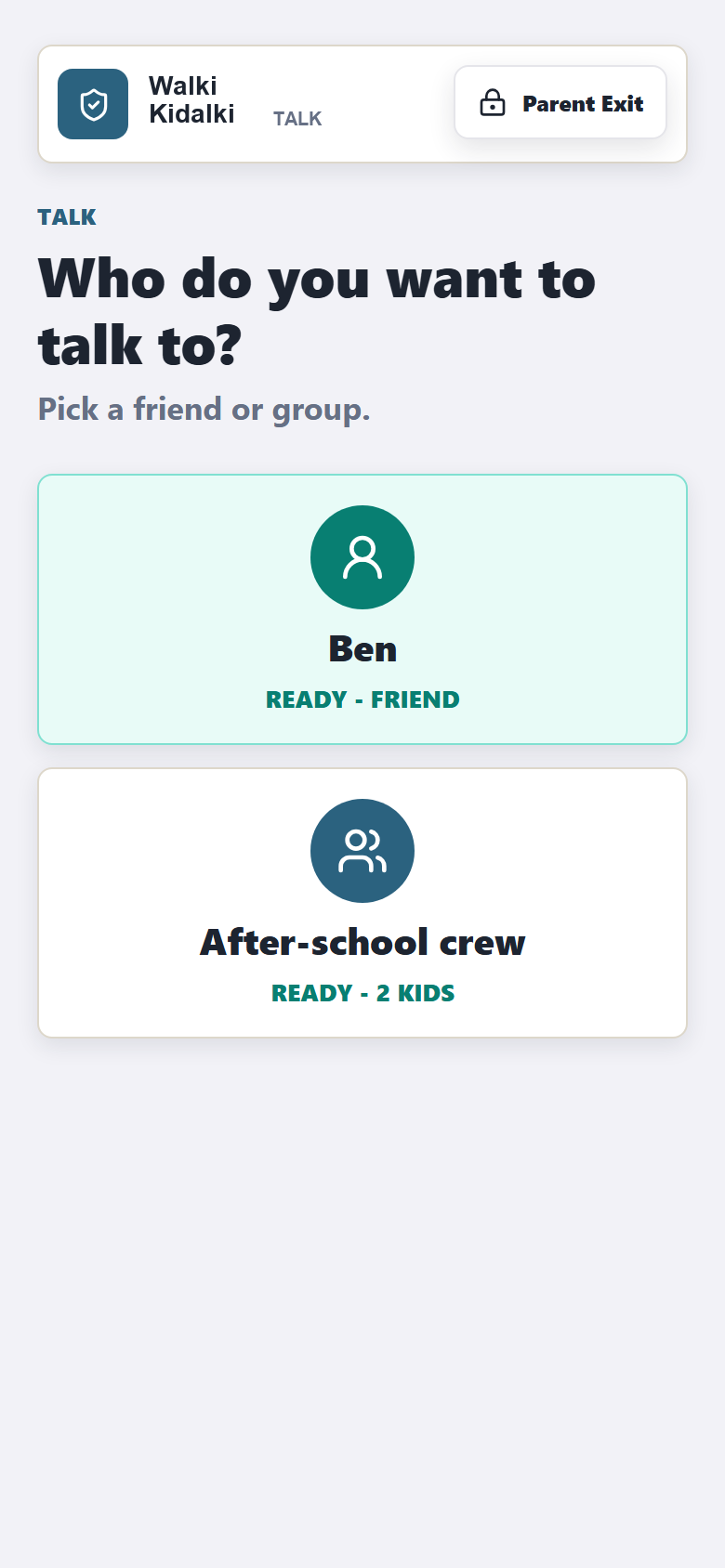
Kids send short voice clips instead of typing, calling strangers, or managing contacts.
Incoming messages land in a simple inbox where the child taps Listen when they are ready.
Conversation mode can auto-play approved clips during an active session without becoming live audio streaming.
Product screens
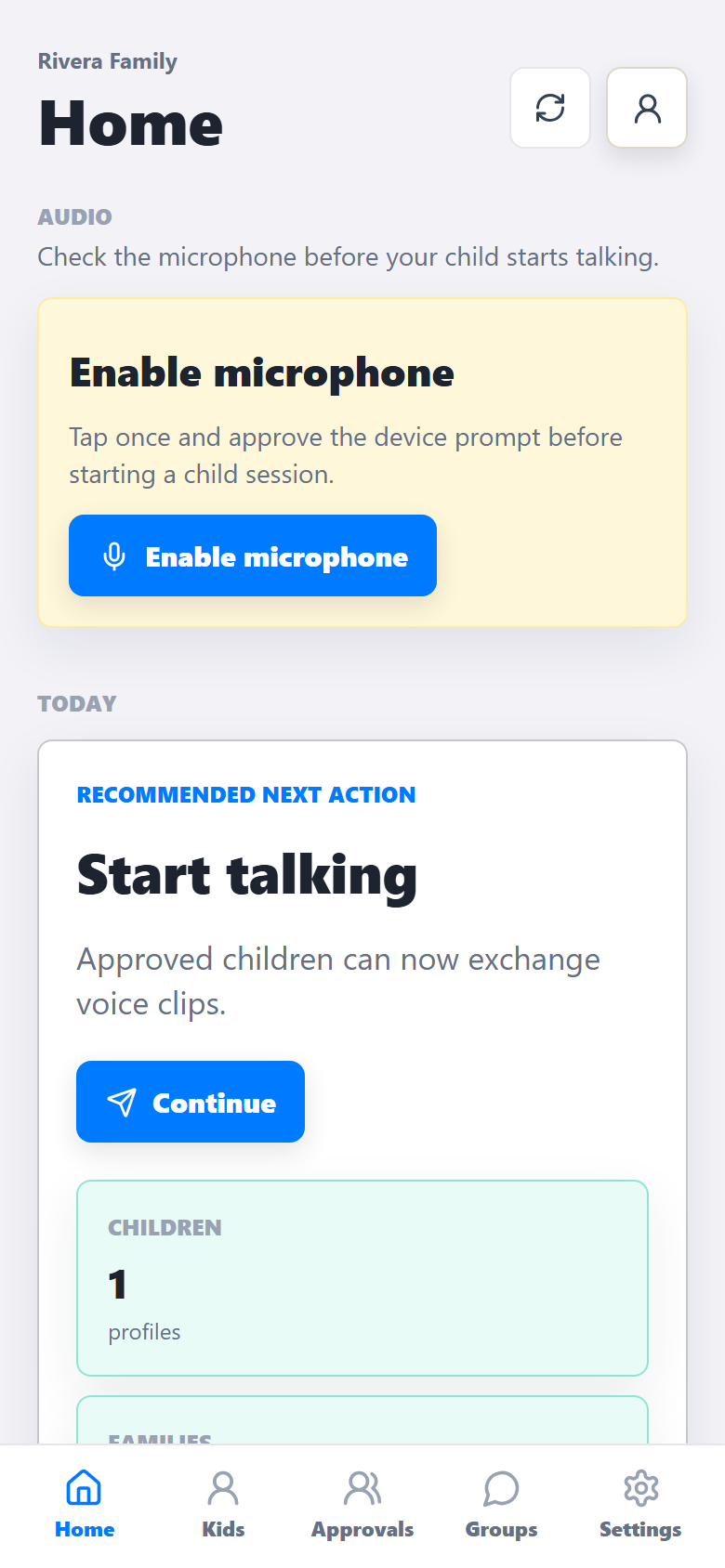
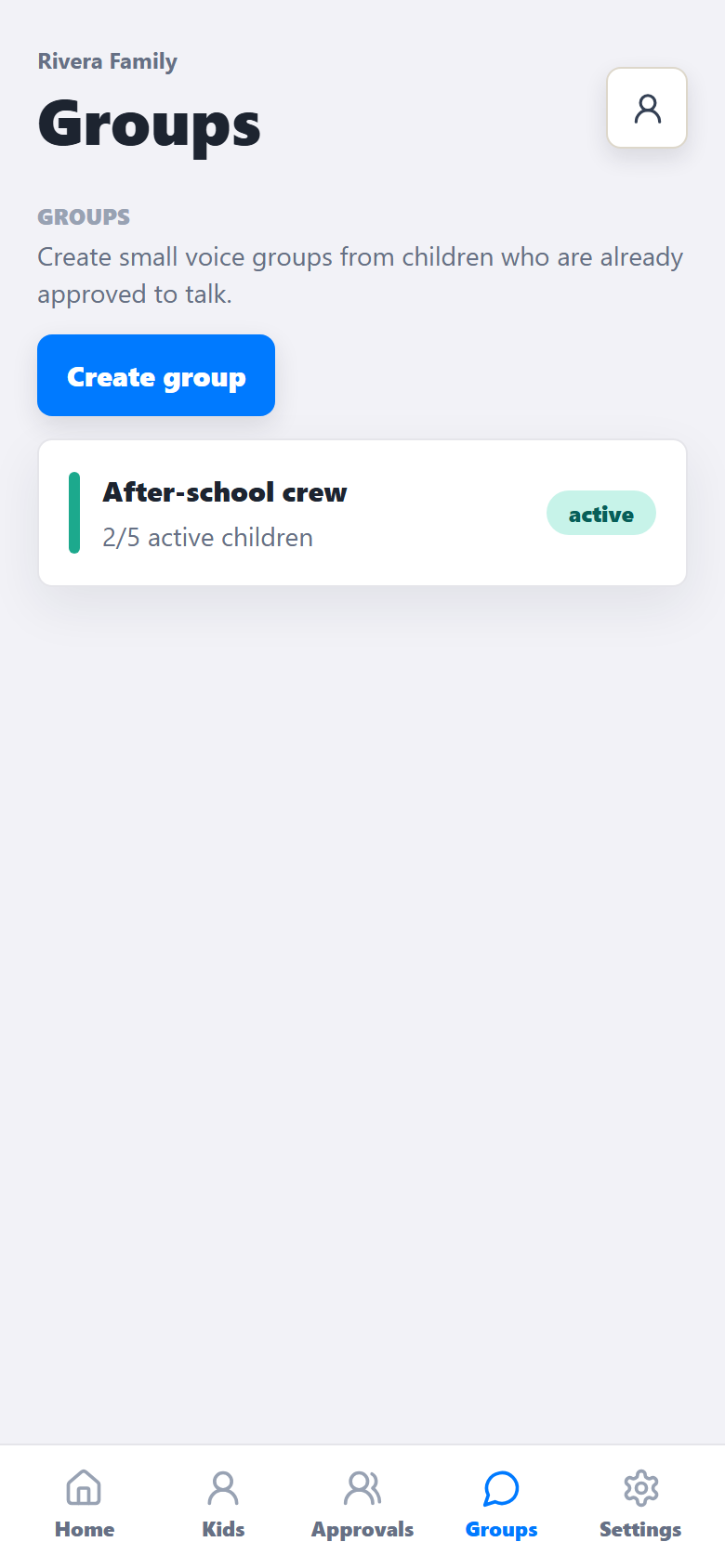
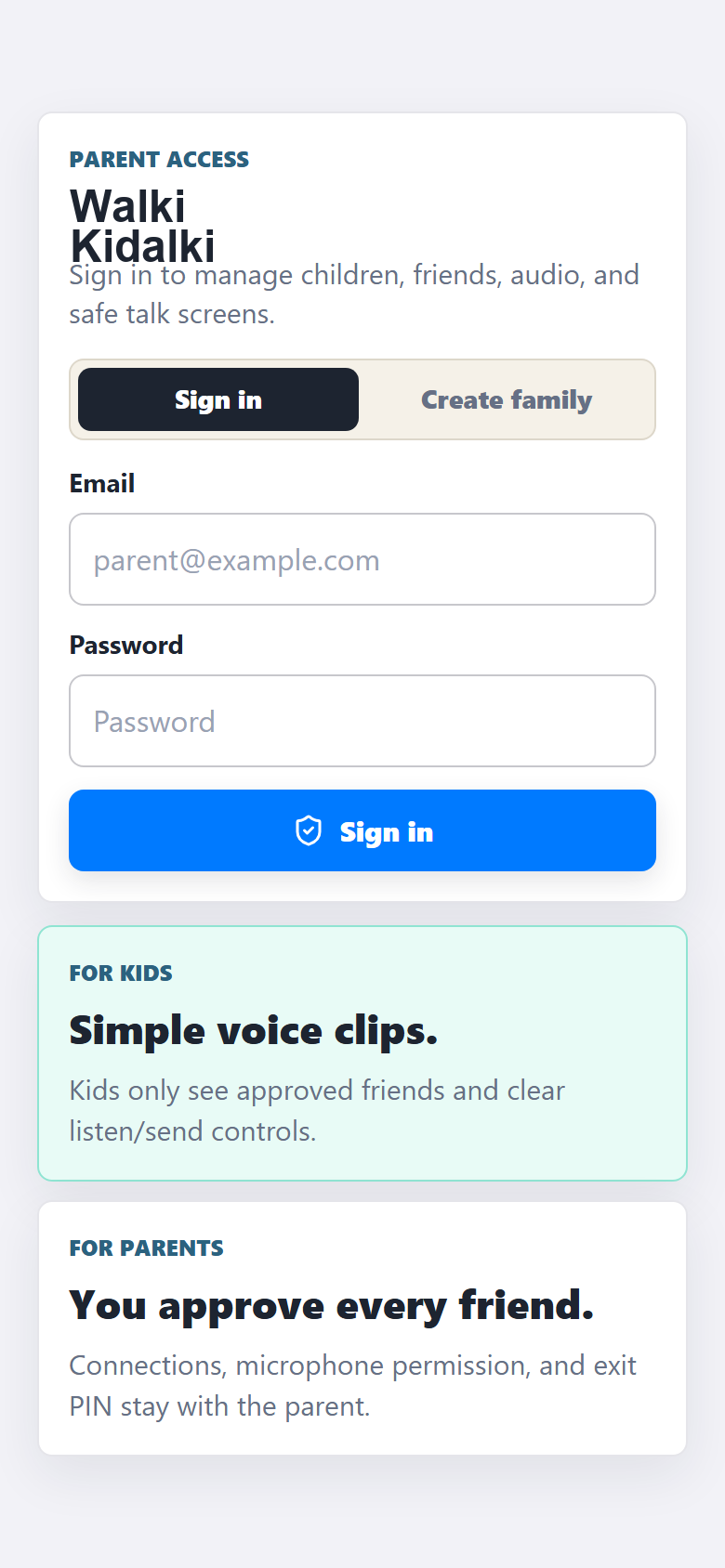
These screenshots come from the existing Walki Kidalki mobile web build and show the parent and child modes that the marketing site is describing.
Demo path
The marketing promise matches the architecture: two parents, two children, explicit approval, one voice clip, inbox playback, parent history, and immediate revocation.
Each family starts from Parent Mode. Parents add their own children and keep ownership of kid sessions.
One parent sends a family connection request. The other parent accepts before child approvals are considered.
Mateo can talk to Ben only after the parent-controlled child-to-child permission is active.
The child records a clip, the audio uploads to R2, and message metadata is delivered to approved recipients.
When a parent revokes permission, new communication is blocked immediately by the backend.
Safety model
Walki Kidalki is built around server-side authorization. The app can make good choices in the UI, but every communication write still has to pass the parent-owned permission model.
Early access
Walki Kidalki is for parents who want quick voice connection without giving children open-ended social tools.